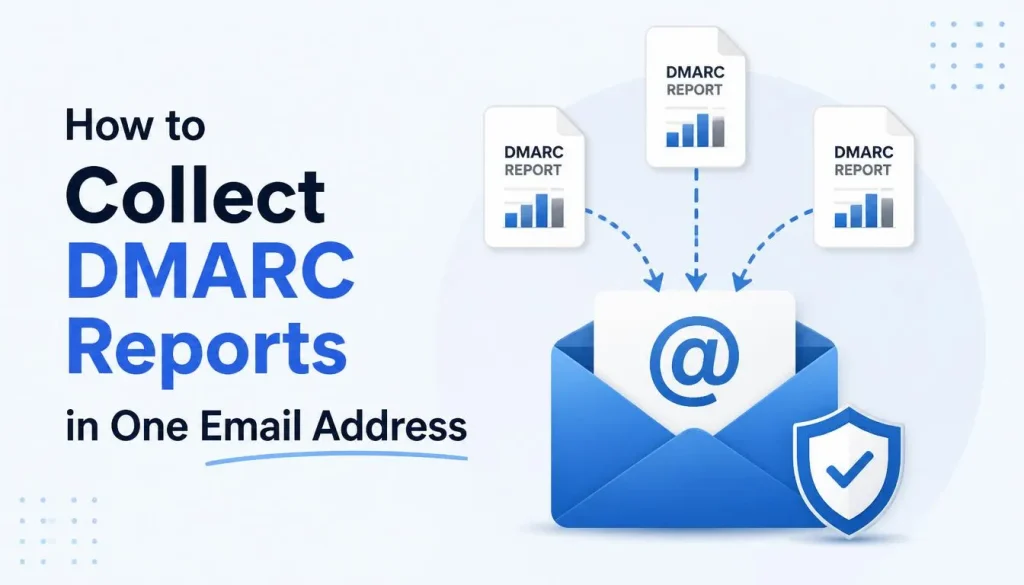
What Is Centralized DMARC Reporting?
If you manage multiple domains, checking DMARC reports for each one separately can become difficult and time-consuming.
Centralized DMARC reporting allows all your domains to send their aggregate DMARC reports to a single email address, making monitoring and analysis much easier.
Whether you manage five domains or hundreds, this approach simplifies email security management.
What Is DMARC?
DMARC (Domain-based Message Authentication, Reporting and Conformance) is an email authentication standard designed to protect domains against email spoofing and phishing attacks.
DMARC works together with:
- SPF (Sender Policy Framework)
- DKIM (DomainKeys Identified Mail)
It allows domain owners to:
- Verify legitimate email senders
- Define how authentication failures should be handled
- Receive detailed authentication reports
- Prevent unauthorized email impersonation
Why Centralize DMARC Reports?
Without centralized reporting, every domain sends reports to its own mailbox.
For organizations managing multiple domains, this often means:
- Multiple inboxes to monitor
- Difficult troubleshooting
- Increased administration
- Poor visibility into spoofing attempts
Centralizing reports provides a single location for monitoring all domains.
Example DMARC Record
Each domain publishes its own DMARC TXT record.
Example:
Host: _dmarc
Value: v=DMARC1; p=reject; rua=mailto:[email protected]
Explanation:
- v=DMARC1 — Specifies the DMARC version.
- p=reject — Rejects emails that fail DMARC authentication.
- rua — Specifies where aggregate DMARC reports should be sent.
Why Is an Additional DNS Record Required?
If DMARC reports are sent to an email address located on a different domain, the DMARC specification requires authorization from the receiving domain.
This security mechanism prevents attackers from redirecting large volumes of DMARC reports to domains they do not control.
To authorize external reporting, the receiving domain must publish a special TXT record.
Example:
Host: example.com._report._dmarc
Value: v=DMARC1
This record tells email providers:
“This domain authorizes receiving DMARC aggregate reports on behalf of example.com.”
External Reporting Authorization
The receiving domain must create one authorization record for every external domain sending reports.
Examples:
example1.com._report._dmarc
v=DMARC1
example2.com._report._dmarc
v=DMARC1example3.com._report._dmarc
v=DMARC1This process continues for each additional domain you manage.
Benefits of Centralized DMARC Reporting
Centralized reporting offers several advantages:
- Manage multiple domains from one location
- Simplify email authentication monitoring
- Detect SPF and DKIM configuration issues faster
- Identify spoofing attempts more easily
- Improve overall email security
- Reduce administrative overhead
- Scale efficiently for organizations with many domains
Understanding DMARC Policies
DMARC supports three policy modes.
p=none
- Monitoring only
- No action is taken against failed emails
- Recommended during initial deployment
p=quarantine
- Suspicious emails are typically delivered to the spam folder.
- Useful when testing stricter enforcement.
p=reject
- Emails that fail DMARC authentication are rejected during SMTP delivery.
- Provides the highest level of protection against domain spoofing.
After verifying that SPF and DKIM are correctly configured, p=reject is generally considered the recommended production policy.
What Information Do DMARC Reports Contain?
Aggregate DMARC reports typically include:
- Sending IP addresses
- SPF authentication results
- DKIM authentication results
- DMARC alignment status
- Email volume statistics
- Authentication failures
- Potential spoofing attempts
- Receiving mail provider information
Reports are delivered in XML format and can be analyzed using various DMARC reporting tools.
Best Practices
For a successful DMARC deployment:
- Configure SPF correctly.
- Enable DKIM signing.
- Start with p=none if you’re deploying DMARC for the first time.
- Review DMARC reports regularly.
- Move to p=quarantine and eventually p=reject after validating legitimate email sources.
- Use centralized reporting if you manage multiple domains.
Conclusion
Centralized DMARC reporting is the recommended approach for organizations managing multiple domains.
By collecting reports in a single mailbox, administrators gain better visibility into authentication issues, spoofing attempts, and overall email security.
Remember that when DMARC reports are sent to an email address on a different domain, the receiving domain must publish the required _report._dmarc authorization TXT records. This ensures compliance with the DMARC specification and allows reporting providers to deliver aggregate reports successfully.