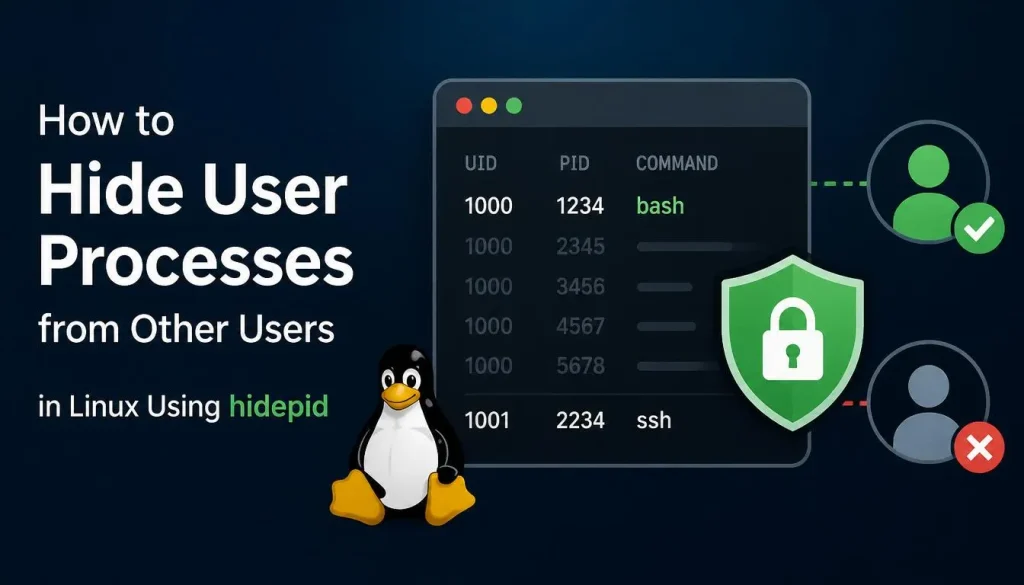
Introduction
On multi-user Linux systems, users can typically view running processes belonging to other users through commands such as ps, top, htop, and by browsing the /proc filesystem.
While this behavior is acceptable in some environments, it can expose sensitive information such as:
- Running applications
- Command-line arguments
- Script names
- Database connection parameters
- Service configurations
- User activity information
To improve privacy and security, Linux administrators can restrict process visibility by using the hidepid mount option for the /proc filesystem.
This guide explains how to hide user processes from other users on RHEL, AlmaLinux, Rocky Linux, Oracle Linux, and CentOS Stream.
Understanding the /proc Filesystem
Linux stores process information inside:
/proc
Each running process receives its own directory:
/proc/1234
/proc/5678
/proc/8910
Users can normally inspect these directories and gather information about processes running under other accounts.
For example:
ps aux
or
top
will display processes owned by all users.
Why Restrict Process Visibility?
On shared servers, restricting process visibility provides several benefits:
- Prevents information leakage
- Improves user privacy
- Reduces reconnaissance opportunities
- Protects application arguments and environment details
- Hardens multi-user environments
This is especially useful on:
- Shared hosting servers
- University systems
- Terminal servers
- Bastion hosts
- Development environments
- Multi-user VPS platforms
Check the Current /proc Mount Options
View the current configuration:
mount | grep proc
Example output:
proc on /proc type proc (rw,nosuid,nodev,noexec,relatime)
If hidepid is not present, all users can view most process information.
Enable hidepid=2
The most common configuration is:
hidepid=2
This option prevents users from viewing processes owned by other users.
Only the following remain visible:
- Their own processes
- Root-owned processes (for administrators)
- Kernel processes where applicable
Temporarily Configure hidepid
Apply the setting immediately:
mount -o remount,rw,hidepid=2 /proc
Verify:
mount | grep proc
Expected output:
proc on /proc type proc (rw,hidepid=2)
Make the Configuration Persistent
Edit the filesystem table:
sudo nano /etc/fstab
Add or modify the proc entry:
proc /proc proc defaults,hidepid=2 0 0
Save the file.
Remount:
mount -o remount /proc
Alternatively reboot the system.
Testing the Configuration
Create two test users:
useradd user1
useradd user2
Switch to user1:
su - user1
sleep 5000 &
Switch to user2 and run:
ps aux
Before enabling hidepid, user2 can see user1’s processes.
After enabling hidepid=2, user2 will only see their own processes.
Understanding hidepid Values
Linux supports multiple levels:
hidepid=0
Default behavior.
All users can view all processes.
hidepid=1
Users can see process IDs but cannot inspect details.
This provides basic privacy.
hidepid=2
Users cannot see processes belonging to other users.
This is the most commonly recommended setting.
Allow Administrators to View All Processes
Create a dedicated monitoring group:
groupadd procmon
Obtain the group ID:
getent group procmon
Example:
procmon:x:1005:
Configure:
mount -o remount,hidepid=2,gid=1005 /proc
Members of the group will retain full process visibility.
Add administrators:
usermod -aG procmon adminuser
Verify Visibility Restrictions
As a regular user:
ps aux
You should no longer see processes belonging to other users.
Attempting to inspect another user’s process:
cat /proc/1234/status
may return:
Permission denied
which confirms the protection is working.
Potential Compatibility Considerations
Before deploying hidepid in production, test applications that rely on process visibility.
Examples include:
- Monitoring tools
- Custom scripts
- Backup software
- Performance analyzers
- Security scanners
Most modern enterprise applications work correctly with hidepid=2 when monitoring accounts are placed in a dedicated group.
Additional Security Recommendations
For enhanced process isolation:
- Enable hidepid=2
- Restrict shell access where possible
- Use sudo instead of shared administrative accounts
- Disable unnecessary services
- Regularly audit user permissions
- Monitor access logs
- Implement SELinux policies
Conclusion
The hidepid mount option is one of the simplest and most effective ways to improve privacy and security on multi-user Linux systems. By preventing users from viewing processes owned by other accounts, administrators can reduce information leakage and strengthen overall system isolation.
For RHEL, AlmaLinux, Rocky Linux, Oracle Linux, and CentOS Stream systems, configuring hidepid=2 is considered a best practice for shared server environments.