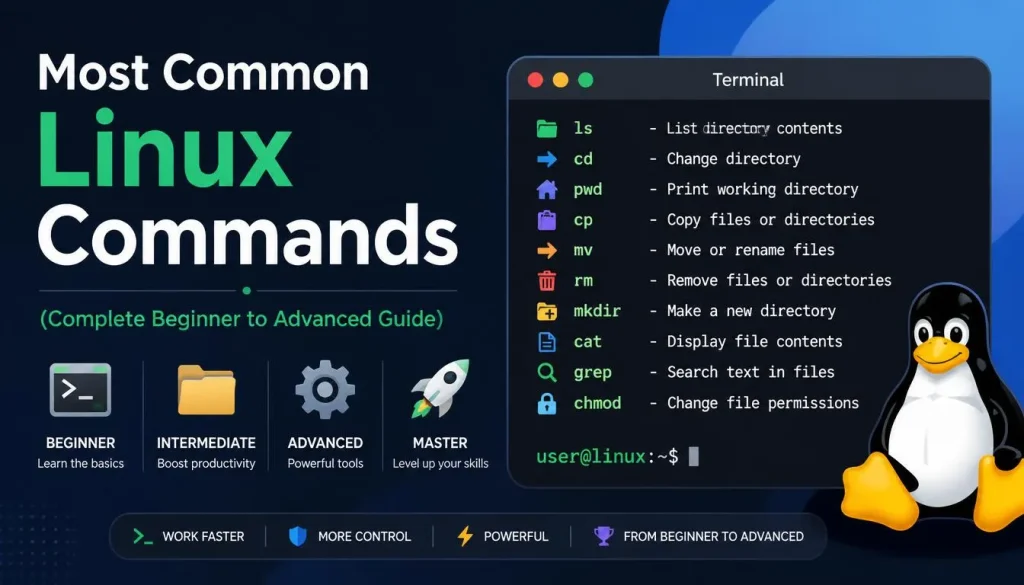
Introduction
Linux is one of the most widely used operating systems in servers, development environments, and cloud infrastructure. Although the terminal may look complex at first, mastering a few basic commands makes system management extremely fast and efficient.
In this guide, we will cover the most commonly used Linux commands, especially:
- file compression (zip/unzip)
- file deletion (rm -rf)
- file search commands
and expand into a complete practical reference.
1. File Compression and Extraction (zip / unzip)
Compress a file (zip)
zip file.zip file.txtCompress a directory
zip -r folder.zip folder_name/Extract a zip file (unzip)
unzip file.zipExtract to a specific directory
unzip file.zip -d target_folder/2. File Deletion (rm -rf)
⚠️ This command is extremely powerful and dangerous if used incorrectly.
Delete a file
rm file.txtDelete a directory
rm -r folder_name/Force delete recursively
rm -rf folder_name/Explanation:
-r→ recursive deletion (folders and contents)-f→ force delete without confirmation
3. File Search Commands
find command (most powerful search tool)
Search for a file system-wide:
find / -name file.txtSearch in a specific directory:
find /home -name "*.log"locate command (faster search)
locate file.txtUpdate database:
updatedb4. Viewing File Contents
cat (display full file)
cat file.txtless (paged view)
less file.txthead (first lines)
head file.txttail (last lines)
tail file.txtLive log monitoring:
tail -f log.txt5. File and Directory Management
Create directory
mkdir new_folderRemove empty directory
rmdir folder_nameCreate file
touch file.txtCopy file
cp file.txt /destination/path/Move file
mv file.txt /destination/path/6. System Information Commands
System details
uname -aDisk usage
df -hFolder size
du -sh folder_name/Memory usage
free -h7. Process Management
List running processes
ps auxKill a process
kill PIDForce kill process
kill -9 PID8. File Permissions
Change permissions
chmod 755 script.shChange ownership
chown user:user file.txt9. Networking Commands
Show IP address
ip aPing a server
ping google.comCheck open ports
netstat -tulnp10. Package Management (Ubuntu / Debian)
Update packages
sudo apt updateUpgrade system
sudo apt upgradeInstall package
sudo apt install nginxSummary of Most Used Commands
- zip / unzip → compression
- rm -rf → deletion (dangerous)
- find / locate → search files
- cat / less → view files
- chmod / chown → permissions
- ps / kill → process control
Conclusion
Linux command line may seem complex at first, but once you learn the basics, system administration becomes extremely fast and efficient.
The most important areas are:
- file management
- search commands
- system monitoring
After learning these commands, you can handle almost any server task directly from the terminal.